
Comments in PHP
1. Introduction to Comments in PHP
In PHP, comments are lines of text that are ignored by the PHP interpreter when the code runs. They are used by developers to describe what the code does, provide explanations, or leave notes for themselves and others who may read the code later.
Comments don’t affect how the program executes—they exist purely for human understanding and documentation. Well-written comments make your code easier to maintain, debug, and collaborate on with other developers.
For example, in PHP:
In this example, the text after // is a comment. It helps explain what the next line of code does but is not executed by PHP.
Using comments wisely improves the readability, maintainability, and professional quality of your PHP scripts.
2. Why Use Comments in Code?
Comments play a crucial role in programming because they make your code easier to understand, maintain, and collaborate on. Even if your code works perfectly today, it might be difficult to remember what each part does a few weeks or months later — and that’s where comments become invaluable.
Here are some key reasons why developers use comments in PHP (and in any programming language):
-
Improve Code Readability
Comments help explain what the code is doing and why certain decisions were made. This is especially helpful when dealing with complex logic or unusual implementations. -
Simplify Maintenance
When you or another developer revisit the code in the future, comments make it easier to understand and update the program without spending time re-analyzing the logic. -
Facilitate Team Collaboration
In team projects, comments act as a guide for other developers, helping them understand your thought process, variable purposes, and function goals. -
Assist in Debugging
Comments can be used to temporarily disable certain lines of code (by commenting them out) during testing or debugging, allowing developers to isolate issues quickly. -
Enhance Documentation
Well-written comments can serve as lightweight documentation, especially when combined with tools like PHPDoc to generate professional API documentation automatically.
In short, comments make your code clearer, easier to maintain, and more professional, which saves time and reduces confusion for anyone who works with your PHP projects.
3. Types of Comments in PHP
PHP supports several ways to write comments, allowing developers to choose the style that best fits their needs. There are three main types of comments in PHP:
3.1. Single-line Comments using //
This is the most common type of comment in PHP.
A single-line comment starts with //, and everything written after it on the same line is ignored by PHP.
Example:
Use this type when you want to explain a single line or add a short note beside your code.
3.2. Single-line Comments using #
PHP also supports the # symbol (inherited from the Unix shell scripting style) for single-line comments.
It works the same way as //, but it’s less commonly used in PHP today.
Example:
This style is perfectly valid, but most developers prefer // for consistency and readability.
3.3. Multi-line Comments using /* ... */
When you need to write a longer explanation or comment out multiple lines at once, use the multi-line comment syntax.
It begins with /* and ends with */. Anything between these symbols is ignored by PHP.
Example:
This is ideal for describing functions, explaining complex logic, or temporarily disabling blocks of code during debugging.
Summary
-
Use
//→ for short, one-line comments. -
Use
#→ for single-line comments (less common). -
Use
/* ... */→ for multi-line or block comments.
Choosing the right type depends on your commenting needs and your project’s coding style
3.1. Single-line Comments using //
Single-line comments in PHP are created using two forward slashes (//).
Anything written after these slashes on the same line will be ignored by the PHP interpreter.
This type of comment is best used for short explanations or quick notes about a specific line or small block of code. It helps clarify what the code does without overwhelming it with too much text.
Example:
In the example above:
-
The text after
//is a comment that explains what the line of code does. -
Comments do not affect how the program runs.
-
You can also place a comment after a line of code to describe its purpose briefly.
Example:
When to Use // Comments
-
To describe one specific line or a small piece of logic.
-
To temporarily disable a line of code during testing.
-
To leave short reminders or notes for future improvements.
Example (commenting out code):
Using // for single-line comments keeps your code neat, readable, and easy to understand — especially when explaining small sections or operations.
3.2. Single-line Comments using #
In PHP, you can also create single-line comments using the # symbol.
This style of commenting comes from older scripting languages like Perl and Unix shell scripts.
Just like the // comment style, everything written after the # on the same line is ignored by the PHP interpreter.
Example:
In this example, PHP ignores the text after the #, treating it purely as a note for the programmer.
You can also place this type of comment after a line of code, just like with //:
When to Use # Comments
While the # style works the same way as //, it’s less commonly used in modern PHP code.
Most developers prefer // because it’s more consistent with other C-style programming languages such as C++, Java, and JavaScript.
However, the # comment style can still be useful if you’re writing PHP scripts that include or interact with Unix shell scripts or if you simply prefer that style.
Summary
-
The
#symbol can be used to start a single-line comment. -
Functionally, it’s identical to
//. -
It’s mainly a matter of style preference or legacy compatibility.
3.3. Multi-line Comments using /* ... */
In PHP, multi-line comments allow you to write comments that span several lines.
They begin with /* and end with */, and everything between these symbols is ignored by the PHP interpreter.
This style is useful when you need to write detailed explanations, describe functions, or temporarily disable large blocks of code.
Example:
In the above example, PHP completely ignores everything between /* and */.
You can freely write long notes, explanations, or even outline steps for a block of code.
When to Use Multi-line Comments
Multi-line comments are ideal for situations like:
-
Explaining complex algorithms or important code blocks.
-
Writing function or class documentation.
-
Temporarily disabling multiple lines of code for testing or debugging.
Example (commenting out code temporarily):
Tips for Using Multi-line Comments
-
Don’t overuse them — too many long comments can make your code harder to read.
-
Keep explanations clear and concise.
-
Use them for documentation or major code sections, not for trivial details.
Summary
-
Syntax:
/* comment text */ -
Best for: long or block-style comments
-
Common uses: documentation, code explanations, and debugging
4. Best Practices for Writing Comments
Writing comments is an important part of clean and maintainable PHP code — but not all comments are helpful.
Good comments should make your code clearer, not cluttered. They should explain why the code exists or how it works, rather than repeating what is already obvious.
Below are some best practices to follow when writing comments in PHP:
4.1. Avoiding Unnecessary Comments
Not every line of code needs a comment. In fact, too many comments can make the code harder to read.
Avoid writing comments that simply restate what the code already says.
❌ Bad example:
This comment adds no value because the code is self-explanatory.
✅ Good example:
Here, the comment provides context — explaining why the variable is being initialized, not just what is happening.
Tip:
If you find yourself writing too many obvious comments, it might be better to improve your variable or function names instead.
4.2. Writing Clear and Useful Comments
A good comment should be:
-
Concise: Short and to the point.
-
Relevant: Directly related to the code it describes.
-
Informative: Explains the reason or logic behind the code.
Example:
This type of comment adds real value by explaining the purpose and reasoning behind the action.
Additional tips:
-
Use plain, simple language.
-
Keep comments up to date — outdated comments can be misleading.
-
Focus on why and how, not what.
4.3. Common Commenting Conventions
Following consistent commenting conventions makes your code easier to read for everyone — including teammates and future maintainers.
Recommended conventions:
-
Use a consistent comment style (
//for short notes,/* ... */for long explanations). -
Place comments above the code they describe when explaining larger sections or logic.
-
Use proper grammar and capitalization for clarity and professionalism.
-
Leave a space after the comment symbols for readability.
-
Example:
// Good example, not//Bad example.
-
-
Document functions and classes using structured comments (like PHPDoc).
Example:
Summary
Good commenting is about quality, not quantity.
-
Avoid redundant or obvious comments.
-
Write clear, meaningful explanations.
-
Follow consistent conventions.
With these practices, your PHP code will be easier to understand, maintain, and share with others.
5. Difference Between Regular Comments and PHPDoc (DocBlock)
In PHP, comments are not just for short explanations — they can also be used for documentation purposes.
While regular comments are meant for developers to leave notes in code, PHPDoc (also known as DocBlock) comments follow a specific structured format that can be read by tools and IDEs to generate documentation automatically.
Let’s look at the differences in detail:
Regular Comments
Regular comments use //, #, or /* ... */ and are primarily for human readers.
They explain code behavior, logic, or reasons behind certain decisions, but they are not machine-readable.
Example:
Regular comments:
-
Help other developers understand the code.
-
Are ignored by PHP and documentation tools.
-
Do not follow any formal structure.
PHPDoc (DocBlock) Comments
PHPDoc comments are a special type of multi-line comment used for writing structured documentation for code elements such as functions, classes, properties, and methods.
They start with /** (note the double asterisk) and end with */.
Example:
Explanation:
-
The description at the top explains what the function does.
-
The
@paramtags describe the input parameters. -
The
@returntag explains what the function outputs.
This format allows tools like phpDocumentor, Doxygen, and modern IDEs (e.g., PhpStorm, VS Code) to automatically generate:
-
API documentation,
-
Tooltips and hints while coding,
-
Type suggestions and autocomplete support.
Key Differences
| Feature | Regular Comments | PHPDoc (DocBlock) |
|---|---|---|
| Syntax | //, #, /* ... */ |
/** ... */ |
| Purpose | Human-readable explanations | Machine-readable documentation |
| Used For | Notes, logic explanations, reminders | Documenting classes, functions, variables |
| Structure | Free-form text | Follows a tag-based format (@param, @return, etc.) |
| Tool Support | Ignored by tools | Recognized by IDEs and documentation generators |
When to Use Each
-
Use regular comments for quick notes or inline explanations within your code.
-
Use PHPDoc comments for documenting public-facing code — functions, classes, and APIs — especially in team or large-scale projects.
Summary
Regular comments make code easier to read, while PHPDoc comments make it easier to document and maintain.
Together, they help create clean, understandable, and professional-quality PHP code.
6. Practical Examples of Comments in PHP
Using comments effectively in PHP improves readability, maintainability, and collaboration. In this section, we will explore practical examples of different types of comments in real-world PHP code.
6.1. Single-line Comments (//)
Single-line comments are useful for explaining specific lines of code or adding short notes.
Example:
Explanation:
Each line has a comment explaining what the code does, making it easier for others to understand quickly.
6.2. Single-line Comments (#)
The hash symbol can also be used for single-line comments.
Example:
Although less common than //, it’s valid and works the same way.
6.3. Multi-line Comments (/* ... */)
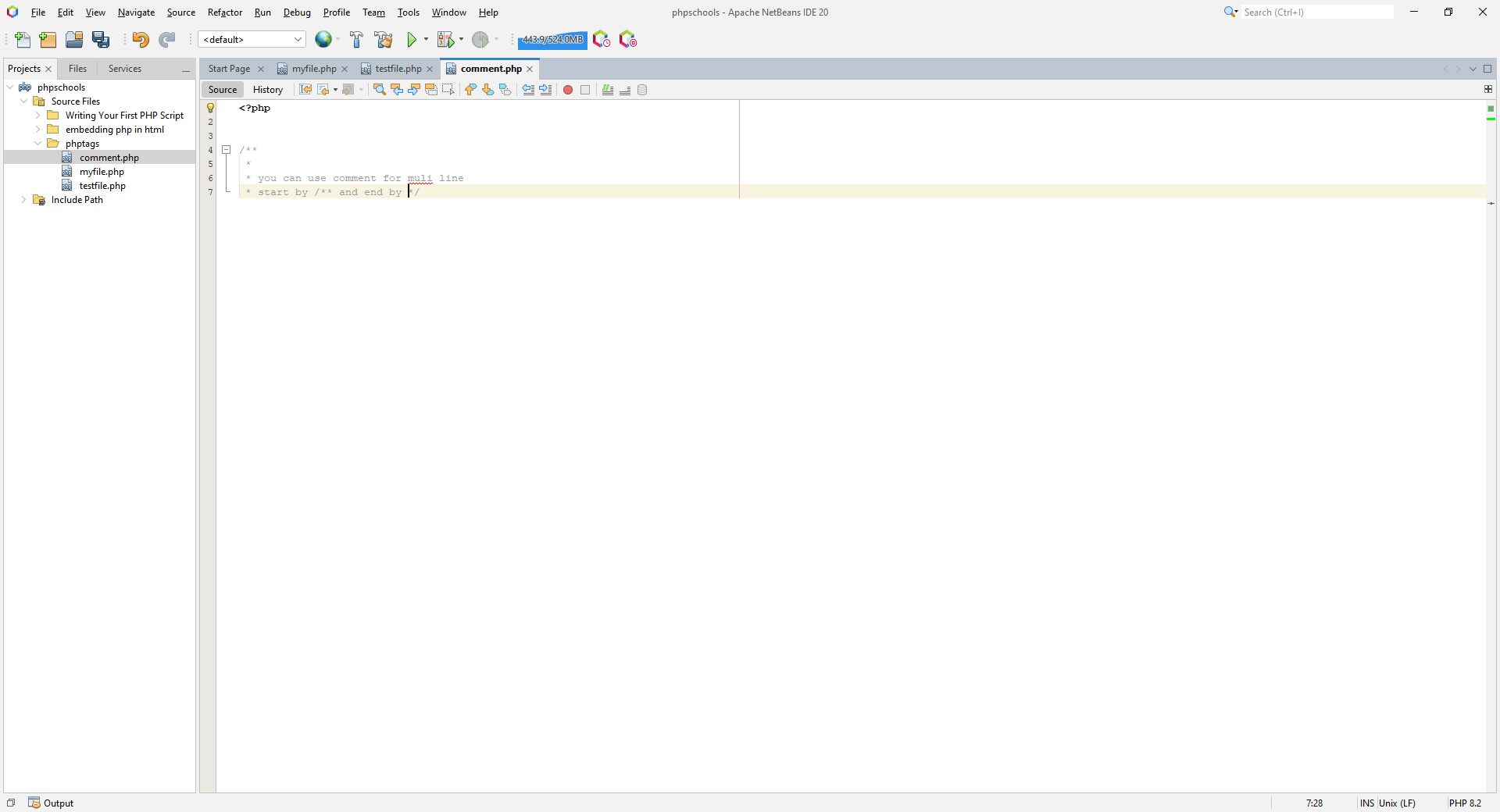
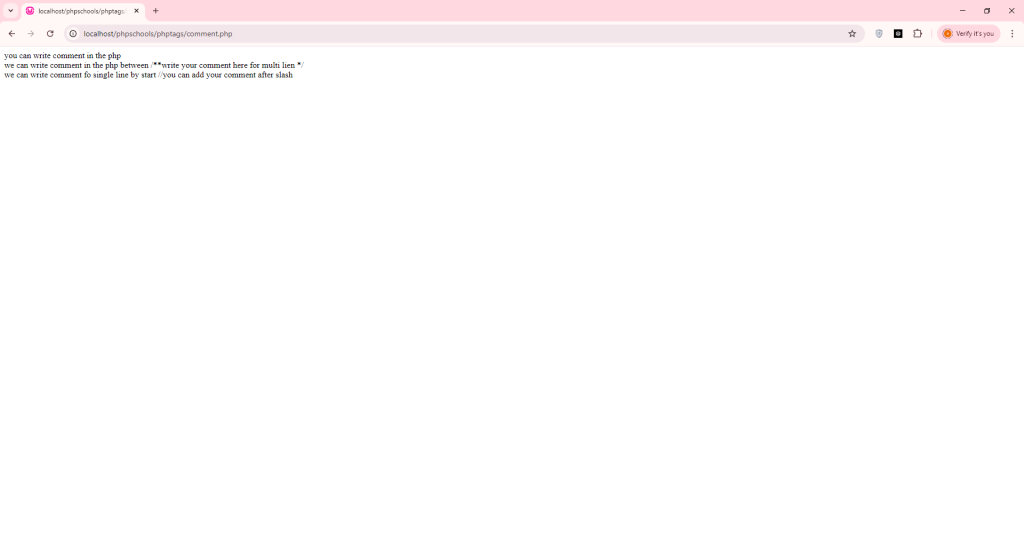
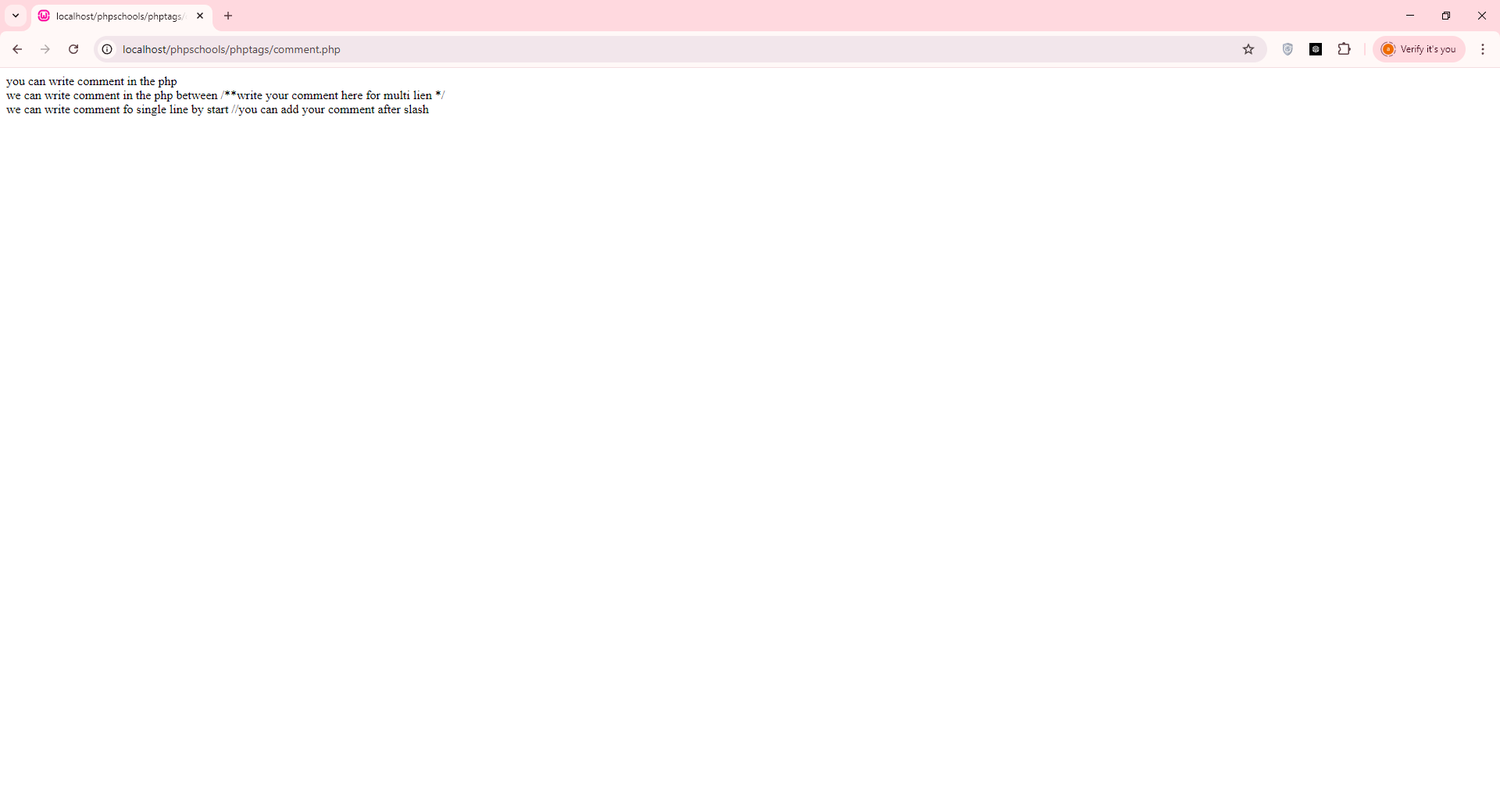
Multi-line comments are perfect for explaining longer code blocks or temporarily disabling multiple lines of code.
Example:
Explanation:
This comment provides context and step-by-step guidance for someone reading the code.
6.4. Using Comments for Debugging
Comments can also be used to temporarily disable code during debugging.
Example:
This technique helps isolate problems without deleting code permanently.
6.5. PHPDoc Comments for Functions
For documenting functions, PHPDoc is ideal because it provides structured, readable, and tool-friendly documentation.
Example:
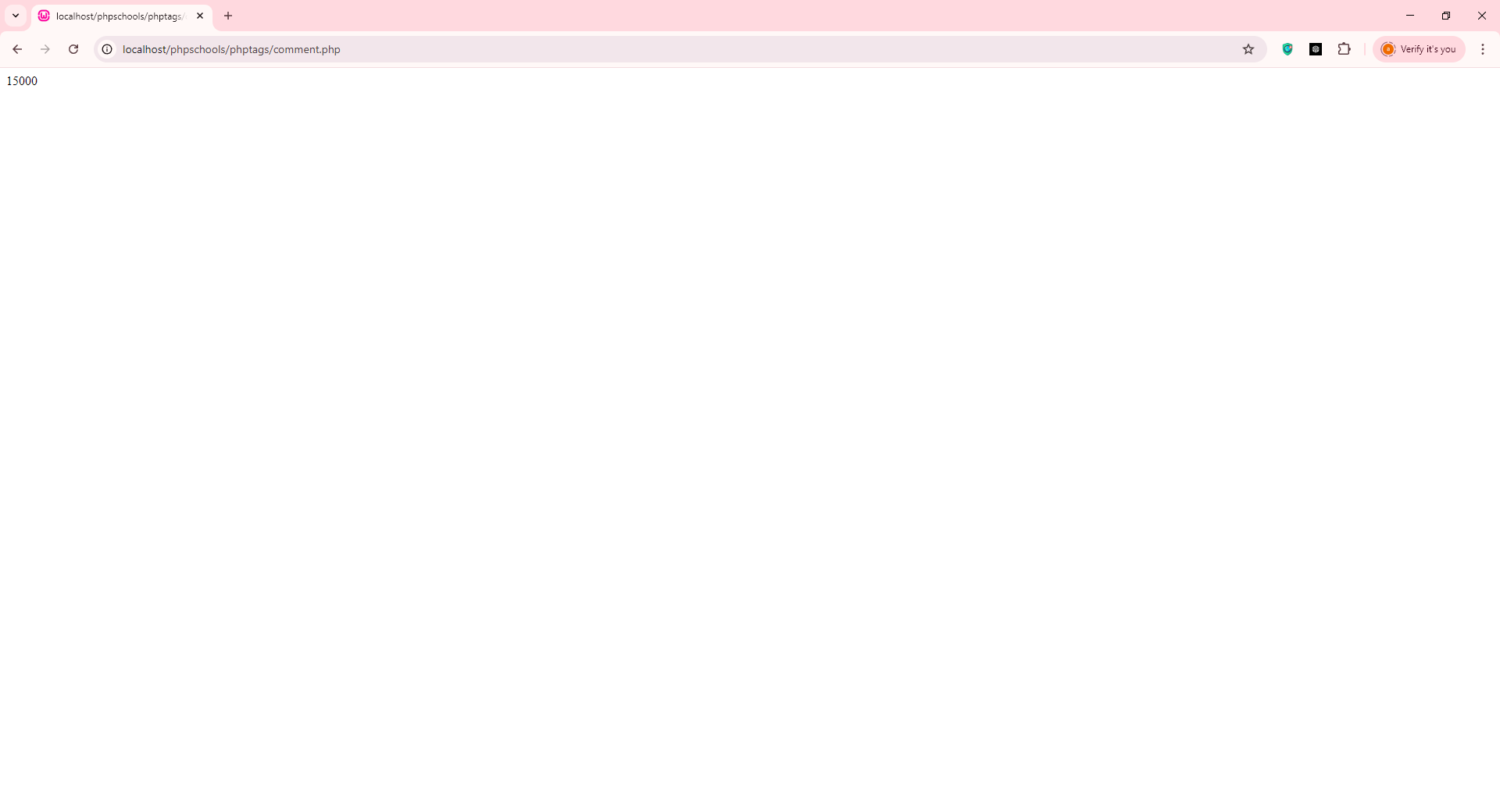
<?php /** * Calculate the area of a rectangle. * * @param float $width The width of the rectangle * @param float $height The height of the rectangle * @return float The calculated area */
function calculateArea($width, $height) { return $width * $height; }
echo calculateArea(100, 150);
?>
output:
Explanation:
-
/** ... */marks a DocBlock comment. -
@paramand@returndescribe the function’s parameters and output. -
IDEs and documentation generators can read this to provide hints and generate API docs.
Summary
Practical commenting in PHP:
-
Improves clarity and readability.
-
Helps in debugging and maintenance.
-
Supports collaboration in teams.
-
PHPDoc adds professional documentation and IDE support.
By combining single-line, multi-line, and PHPDoc comments appropriately, your PHP code becomes much easier to understand and maintain.